WhatsApp +65 9389 9198
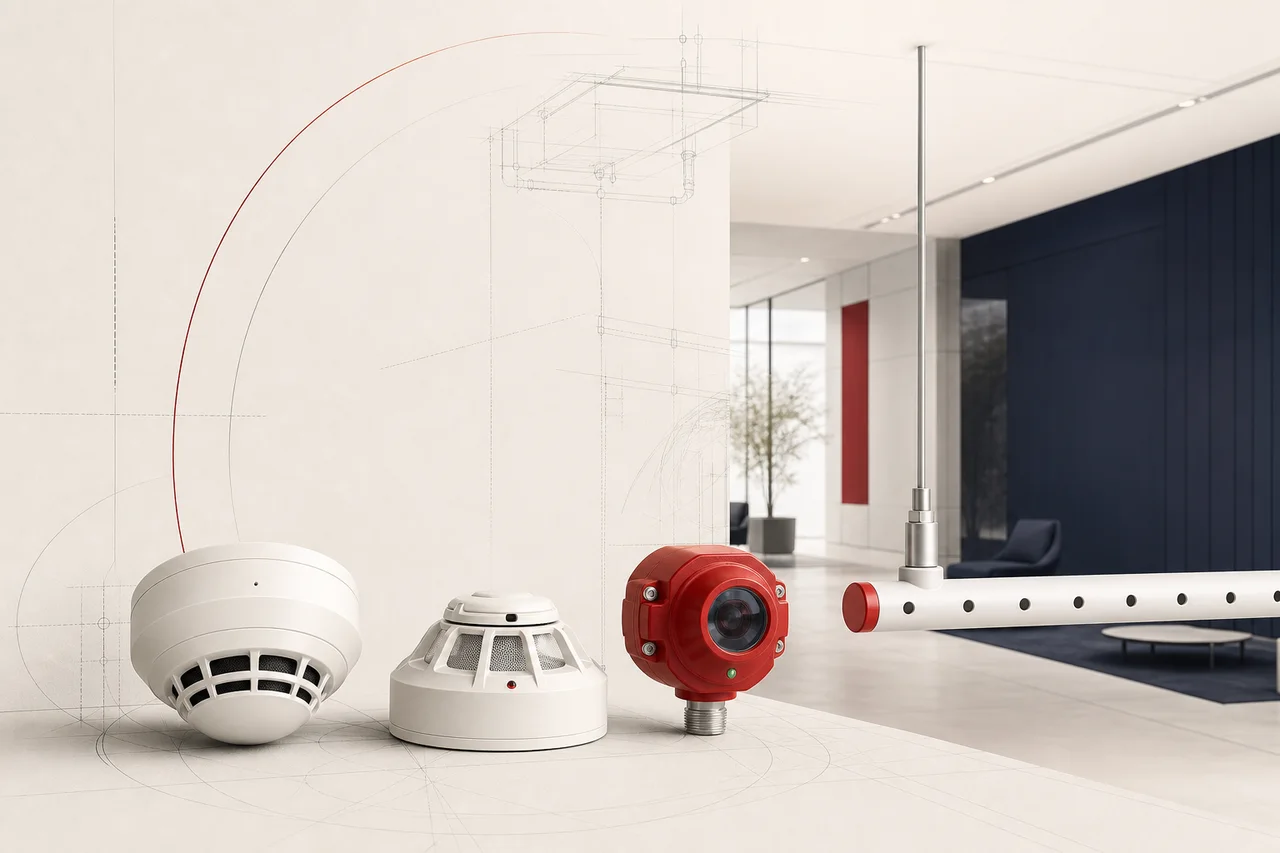
HALO Smart Sensor by Motorola Solutions product range
Vape and environmental detection United States

HALO Smart Sensor by Motorola Solutions

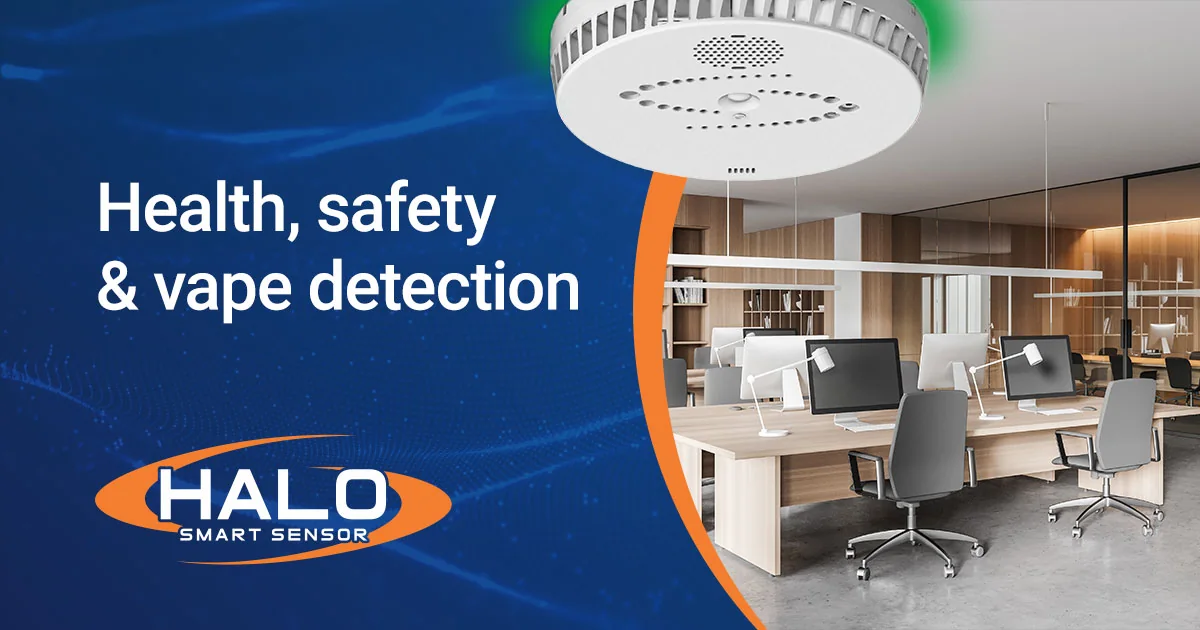
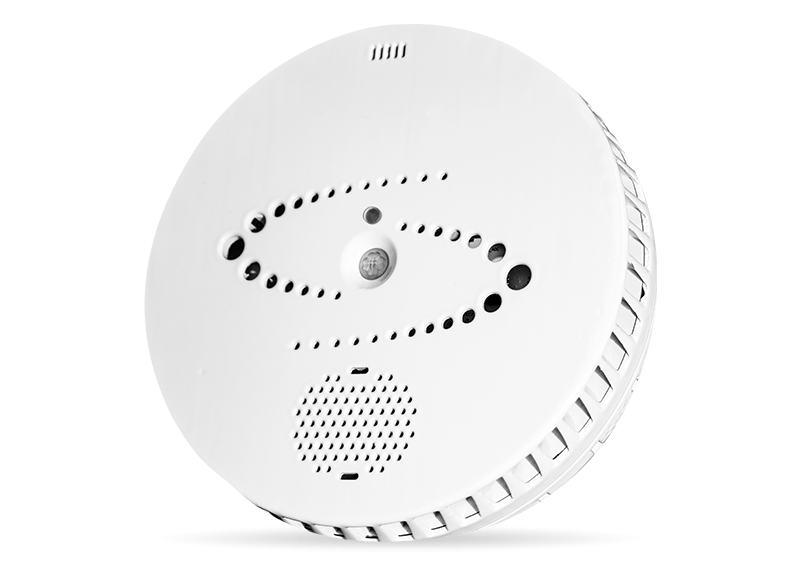
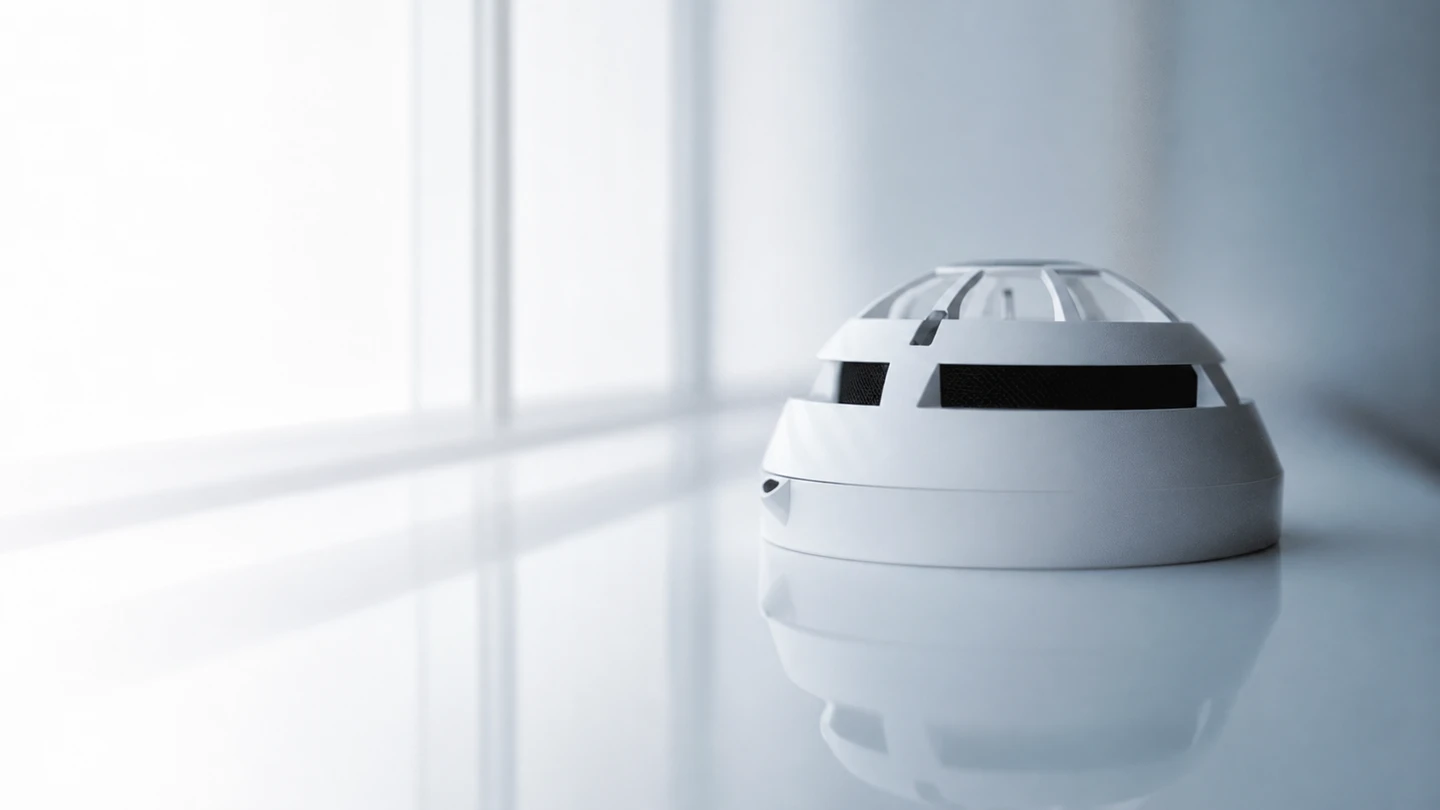
HALO Smart Sensor is a camera-free environmental and safety sensor for vape events, air quality, occupancy and selected sound-based alerts.

Contact us for product availability and local support. Official website
Brand overview

Camera-free vape, safety and environmental sensing from IPVideo, a Motorola Solutions company

United StatesUnited States; IPVideo, a Motorola Solutions company

  • Vape, smoke and masking-event detection
  • Air-quality and environmental readings
  • Keyword, sound-level and tamper events on supported models
  • Local integrations plus optional HALO Cloud dashboards and notifications
Before you specify

Choosing your products

  1. 01Required event types and model generation
  2. 02Privacy policy and response ownership
  3. 03Network, firmware, licensing and alert routing
  4. 04Placement, airflow, coverage and environmental interference
Our products

What HALO Smart Sensor by Motorola Solutions offers

01 Vape and environmental detection

HALO Smart Sensor

Vape, smoke-event, air-quality and selected safety sensing.

02 Remote facility monitoring

HALO Cloud

Dashboards, alerts, fleet management and event review.

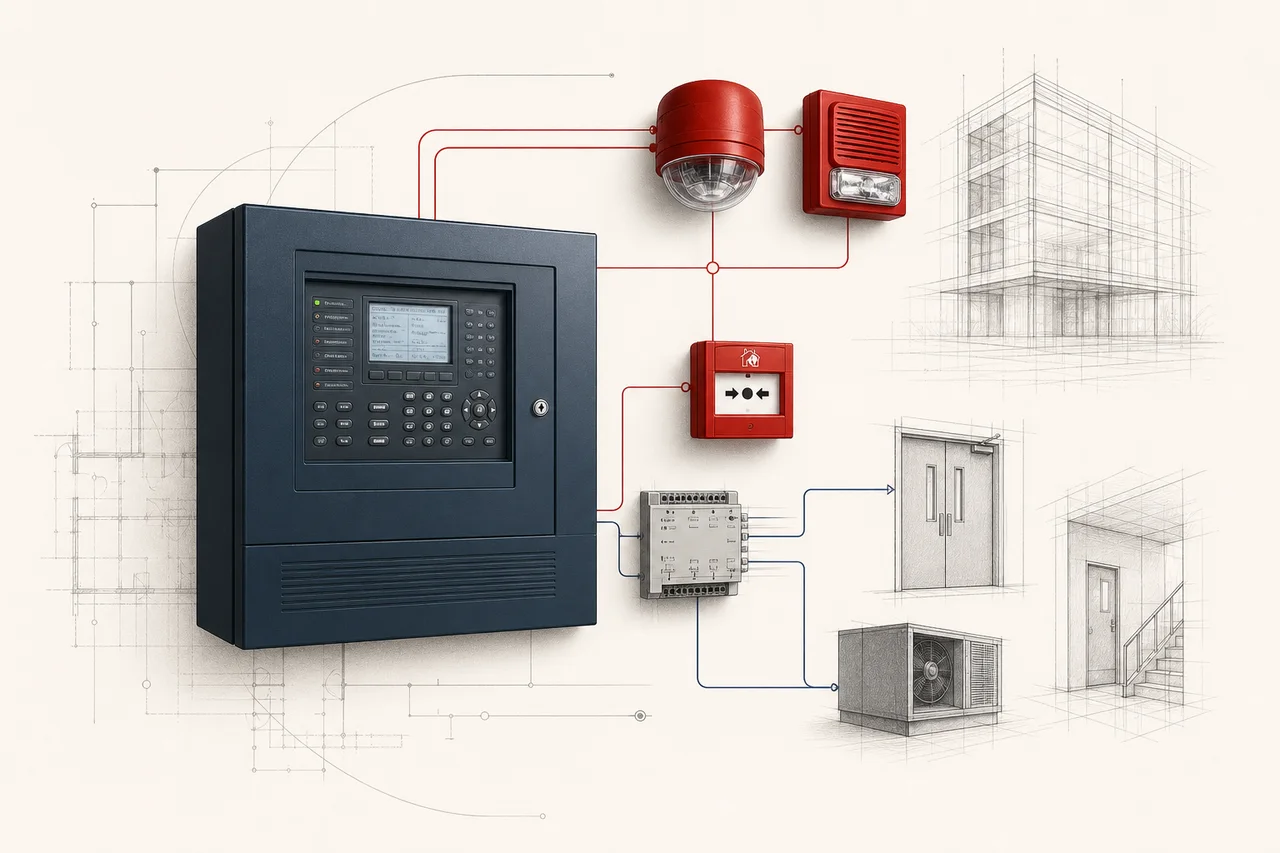
03 Security and building integration

Local integrations

Supported relays, network events and third-party workflows.

04 Indoor air quality

Environmental analytics

Temperature, humidity, particulates, gases and related readings by model.

Approval families

Certifications and approvals found in the range

HALO is an environmental and safety-monitoring platform. Do not present it as a certified smoke detector for a code fire-alarm system.

Technical notes

Technical details

How the products connect, where they work and what maintenance they need.

Installation, compatibility and maintenance
01

HALO processes supported events without a camera and states that it does not record speech or video.

02

Deployments can use supported local integrations and optional HALO Cloud dashboards, notifications and device management.

03

Coverage depends strongly on ceiling height, airflow, room geometry and the event being detected.

Applications

Where And How To Use The Range

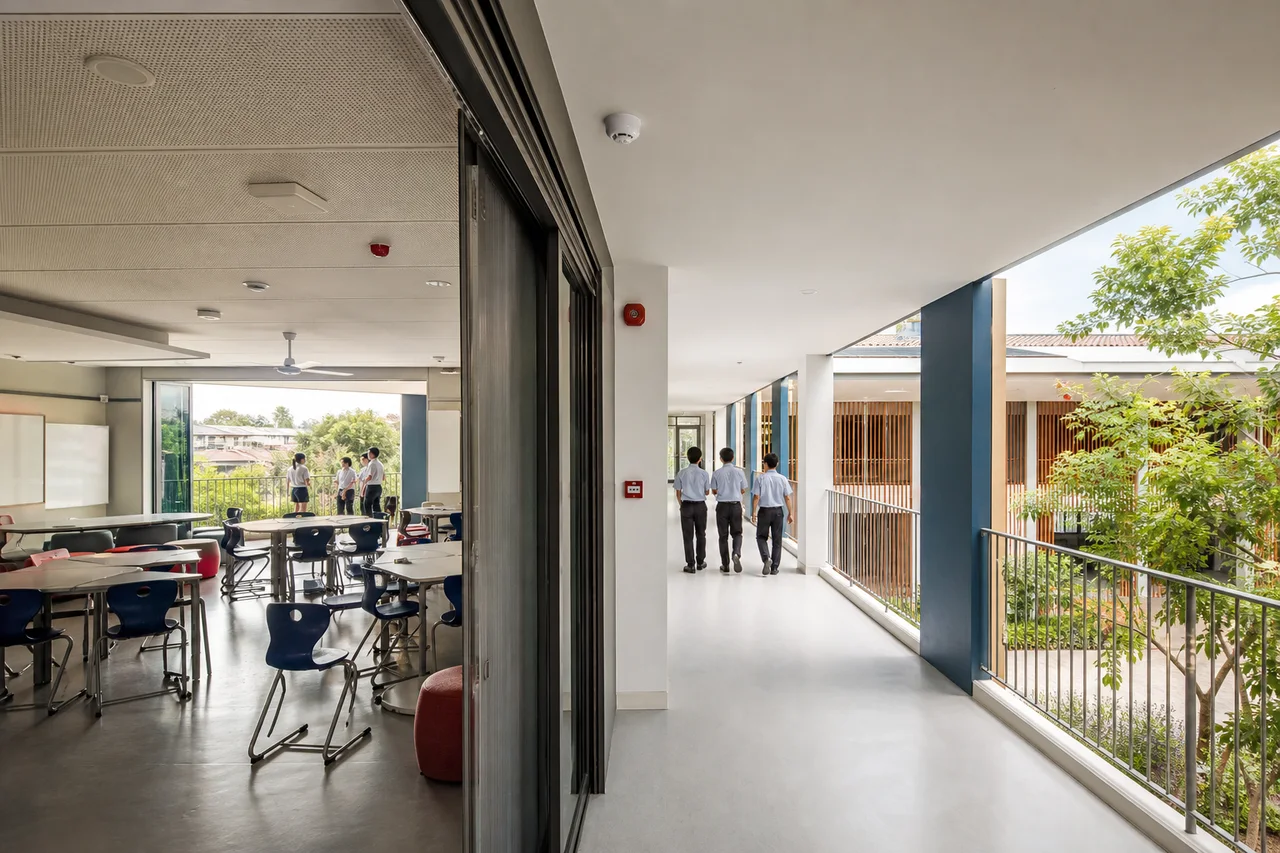
Schools and higher education
Healthcare
Healthcare
Commercial property
Commercial property
HospitalityAssisted livingShared public facilities
Choosing For Your Application
  • HALO processes supported events without a camera and states that it does not record speech or video.
  • Deployments can use supported local integrations and optional HALO Cloud dashboards, notifications and device management.
  • Coverage depends strongly on ceiling height, airflow, room geometry and the event being detected.

Resources

Manufacturer documents

Manufacturer data sheets, product information and certificates.

Beyond supply

Services available for HALO Smart Sensor by Motorola Solutions systems

Contact our team for availability, delivery and support options in your country.

Brand Questions

Frequently Asked Questions

Does HALO use a camera or record conversations?

HALO is marketed as camera-free. Its supported keyword and sound analytics do not require storing intelligible speech, but the exact privacy configuration should be documented.

Can HALO detect every vape event?

No sensor guarantees every event. Placement, airflow, room geometry, product type, thresholds and response procedures affect performance.

Can HALO replace a smoke detector?

No. Use code-compliant, listed fire detection for the building fire alarm. HALO provides separate environmental and safety monitoring.

What network information is needed before installation?

Confirm the selected model’s power and network requirements, permitted connections and alert destinations with the IT team. Agree who will maintain firmware and user access.

Who receives a HALO alert?

That depends on the configured integrations and account settings. Assign named responders and test that notifications reach them before the system is put into use.

What should happen after repeated unwanted alerts?

Review placement, airflow, cleaning activities and event settings. Keep records of the conditions so adjustments can be checked without simply suppressing useful alerts.