

What to Know First
Vibration, visual, sound-activated and system-connected approaches for inclusive warning.
- Begin with the person, the room and whether they may be asleep or alone.
- Visual, vibrating and sound-activated devices are not interchangeable.
- Include the arrangement in routine tests and personal emergency planning.
One signal does not reach everyone
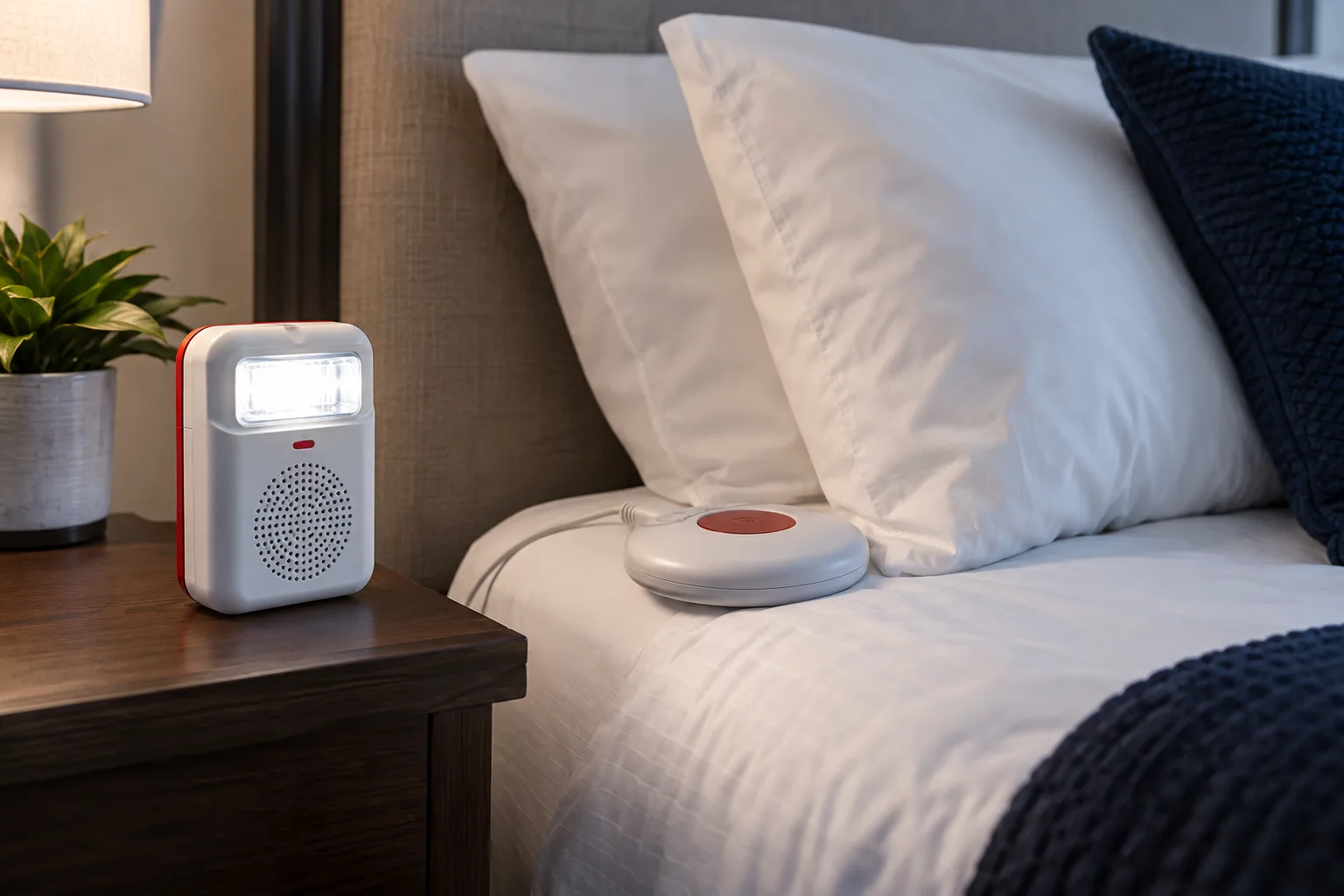
A person who cannot reliably hear the alarm may need visual and tactile warning. A flashing visual alarm works only within the person’s field of view; a vibrating pad is most relevant when someone is in bed or seated.
The solution should account for where the person actually spends time.
Connected and sound-activated options
A device connected to the building fire system can be supervised and operate with the main alarm. Some products listen for a compatible alarm sound and trigger a local strobe or vibration device. Standalone home arrangements may have their own detectors and radio links.
Confirm what happens on power loss and whether a fault is visible.
- Visual alarm devices
- Bed or pillow vibration devices
- Radio-linked home alarm accessories
- Sound-recognition devices
- Personal or staff-assisted evacuation measures
Test with the user present
A technical operation test does not prove the warning is effective. Where appropriate, involve the user or their representative, explain controls and agree how faults are reported.
Keep access routes and evacuation assistance in the same plan.
Project Checklist
Hearing, vision, mobility, sleep and whether assistance is available.
Building-system interface, sound activation or standalone detection.
Visual coverage, vibration location, power and supervision.
Testing, resident/staff training and personal emergency plan.
Frequently Asked Questions
Is a flashing beacon enough for a sleeping person?
Often not. A tactile warning device and an appropriate emergency plan may also be needed; follow the applicable accessibility and fire-alarm rules.
Official references
Information is based on reviewed sources and our experience at the date shown. Use it at your own risk and verify current codes, certificates and project conditions. Report an issue or suggest a correction.